
 |
| Figure 1: Oscilloscope UIs such as Teledyne LeCroy's MAUI provide tons of shortcuts and touch gestures |
Showing posts with label user interface. Show all posts
Showing posts with label user interface. Show all posts
26 January 2018
Getting The Most Out Of Your Oscilloscope: Navigation With MAUI

20 June 2017
VIDEOS: Exploring MAUI with OneTouch
 |
| Figure 1: MAUI with OneTouch makes child's play of complex oscilloscope operations |
13 May 2016
The Evolving User Interface: Cursors, Triggers, and More
 |
| Figure 1: Need to reposition a cursor? Touch, hold, and drag it |
26 April 2016
The Evolving User Interface: Add New
 |
| Figure 1: Dragging a channel, memory, math, or zoom trace to the Add New box creates a new trace of the same type |
18 April 2016
The Evolving User Interface: Changing Sources
 |
| Figure 1: Changing the source of a trace is as simple as a drag-and-drop of the desired source's descriptor box onto the target descriptor box |
05 April 2016
The Evolving Oscilloscope User Interface
 |
| Figure 1: MAUI is Teledyne LeCroy's intuitive touch-based user interface |
27 March 2015
Oscilloscope Basics: Choosing an Oscilloscope
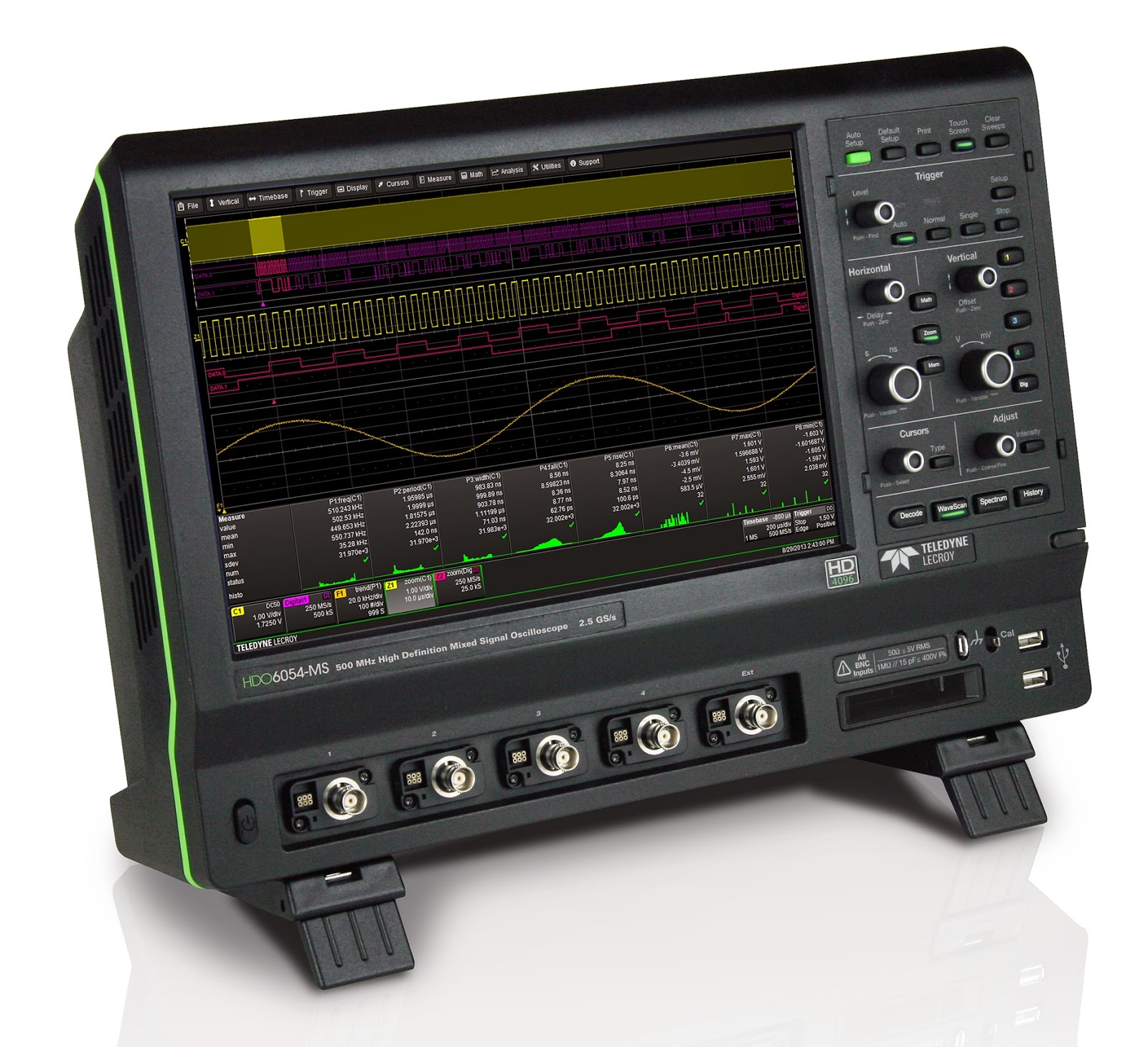 |
| Figure 1: An oscilloscope such as Teledyne LeCroy's HDO6054-MS serves a very broad range of applications |
30 July 2014
Video: WaveSurfer 3000 and the MAUI User Interface
Oscilloscopes are often an engineer's best friend, but that can change depending on how easy or difficult a given instrument is to use. Sure, the oscilloscope's capabilities and technical specs are critical, but if the machine is difficult or non-intuitive to interact with, the user ends up wasting time figuring out what should be simple.
Subscribe to:
Posts (Atom)